
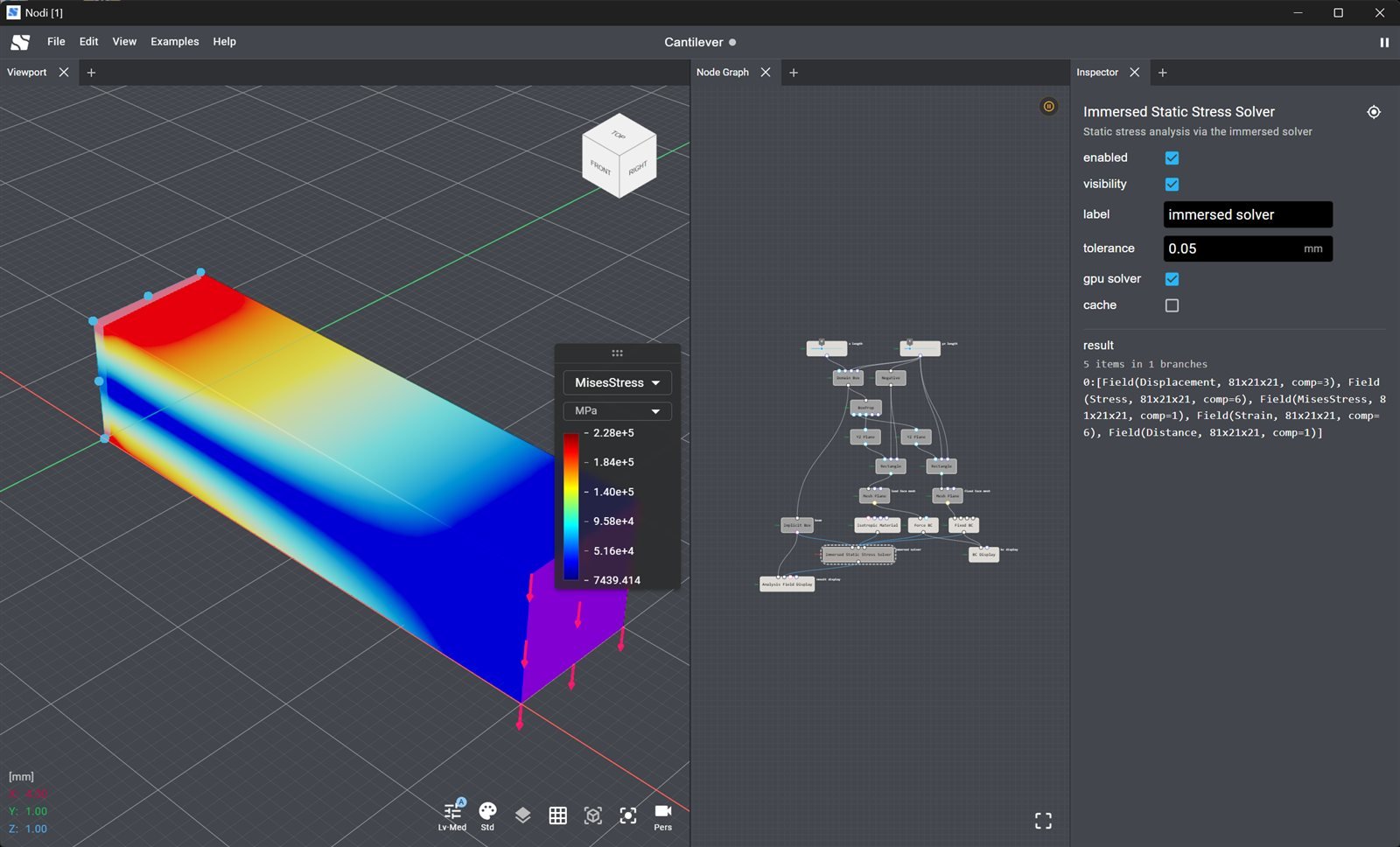
Install
Download the Windows installer from nodi3d.com/desktop. Nodi for desktop is in early access; if you do not have access yet, join the waitlist on the same page. The app checks for updates on launch and notifies you when a new version is available. Click Update to install it and the app restarts on its own. Use Check for updates in the Nodi logo menu to check at any time.Nodi for desktop and the web editor
The web editor shares the node graph and the core modeling nodes, so you can open a project in the browser to view it, share it or make quick edits without installing anything. Engineering work, including CAD exchange, solids, analysis and agent-driven modeling, happens in Nodi for desktop.
Nodes that need the desktop app are marked Desktop in the Nodes reference. If you open a project that uses them in the web editor, those nodes report
This feature requires the desktop version.
Working with files
- Open, Save and Save As… use native file dialogs.
.nodifiles are associated with the app, so double-clicking one opens it. Legacy.jsonprojects open the same way. - File → Open Recent lists recently opened files.
- File → Cache toggles whether the evaluation cache is embedded when you save. Turn it on for projects with long solver runs or heavy meshes so they reopen with results in place. Turn it off to keep files small.
CAD import and export
Drag a STEP or IGES file onto the canvas, or pick it in anImportGeometry node. Nodi asks whether to Import as mesh:
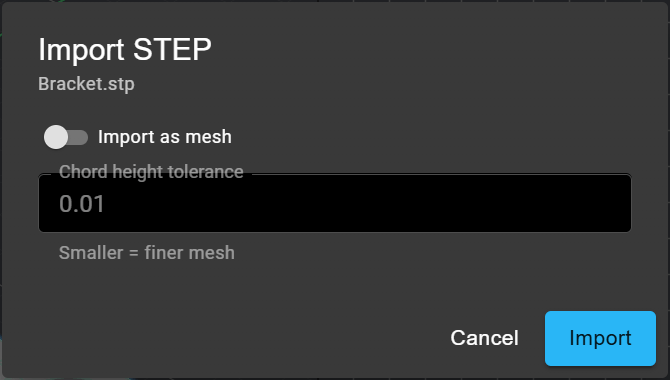
- Leave it off to import exact B-Rep geometry, which you can edit with the surface, Brep and solid modeling nodes.
- Turn it on to tessellate on import with a Chord height tolerance, which is faster for large assemblies you only need as a reference mesh.
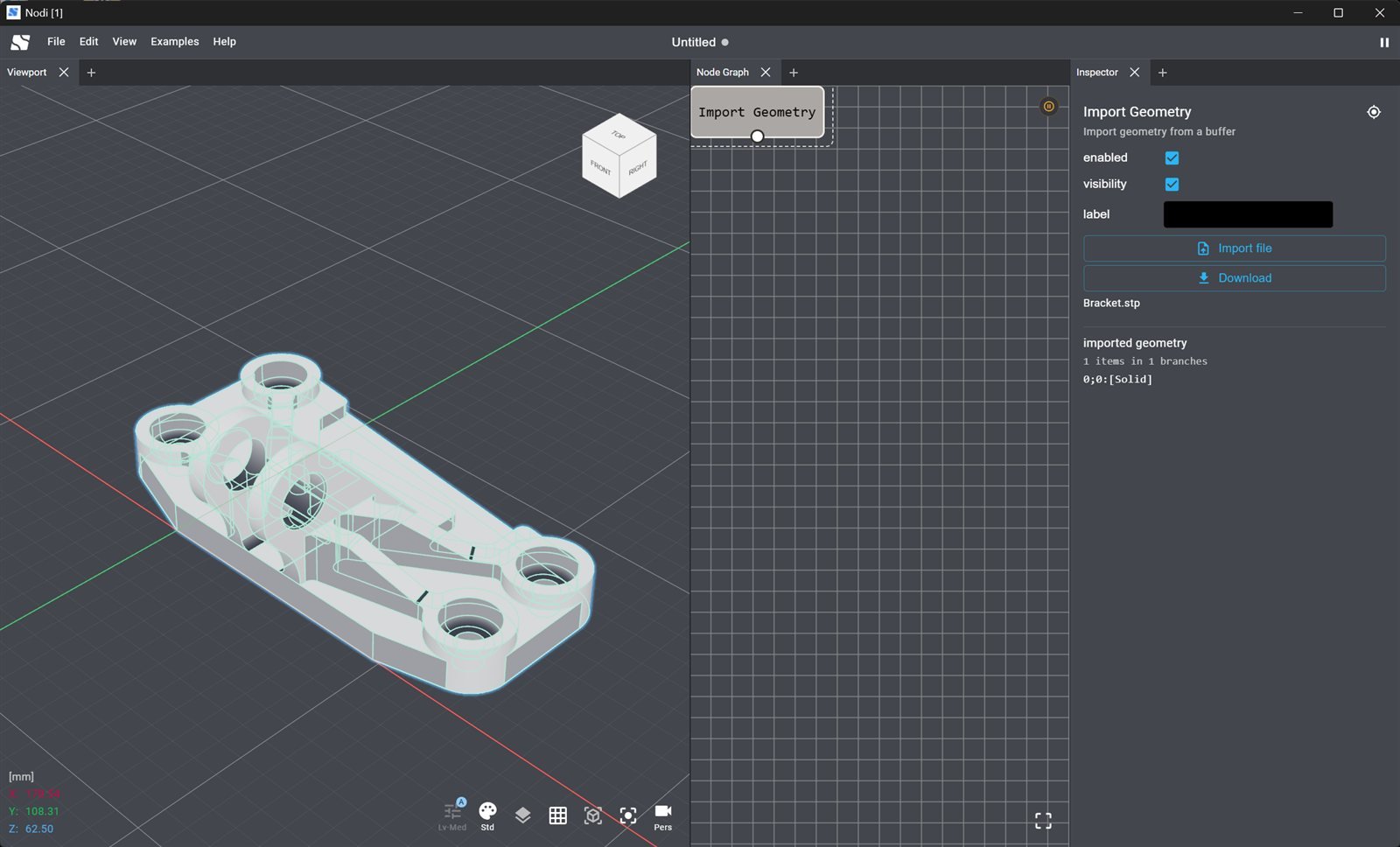
A STEP part imported as an exact solid. The Inspector of the ImportGeometry node lists the output as a Solid.
ExportBrep writes Breps and surfaces to STEP or IGES, and ExportSurface offers the same formats next to the mesh formats. See Import/Export for the complete format list.
Environment
Environment in the Nodi logo menu at the top left shows the GPU details of the machine. GPU Acceleration shows whether the solvers can use the GPU, which is supported on NVIDIA hardware with CUDA. The solver nodes expose a gpu solver property to opt in per node.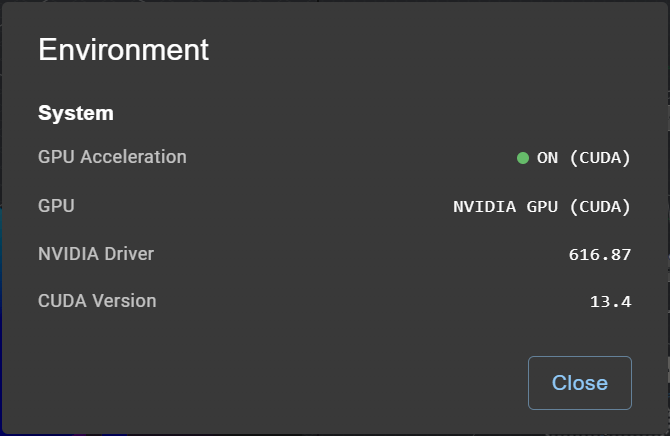
Next steps
Simulation
Run stress, thermal and flow analysis or topology optimization on the geometry in your graph.
Coding Agents
Let Claude Code, Codex, Gemini CLI or Cursor build and edit models in the desktop app.
Desktop examples
Cantilever, cold plates, topology-optimized brackets, helical gear and more.
Import/Export
Every supported format, including STEP and IGES.