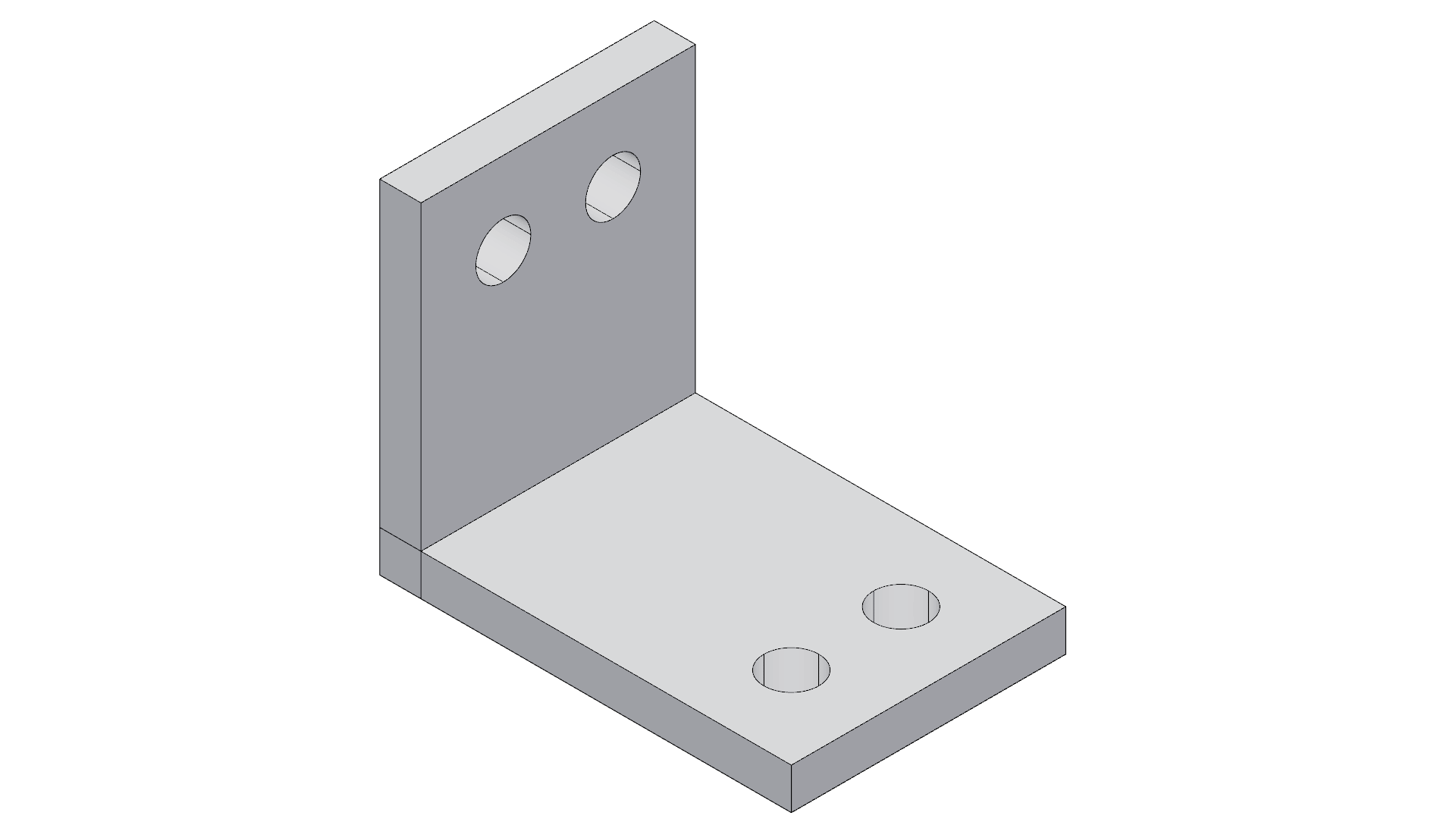
Examples in the Desktop section use nodes that run only in Nodi for desktop, such as the immersed solvers and solid modeling nodes. Open them from the Examples menu of the desktop app.
Basic
Quickstart
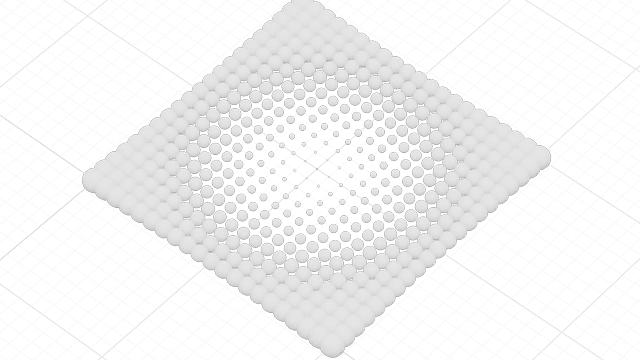
Attractor
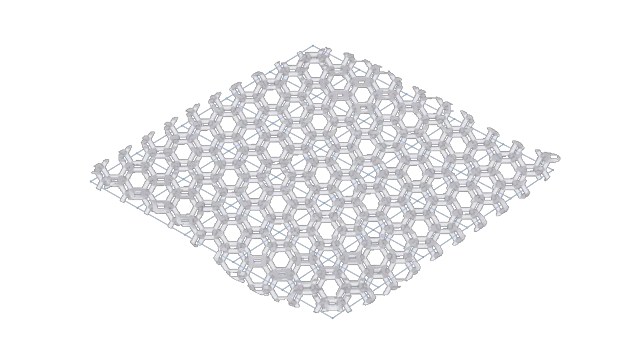
Export
Curve
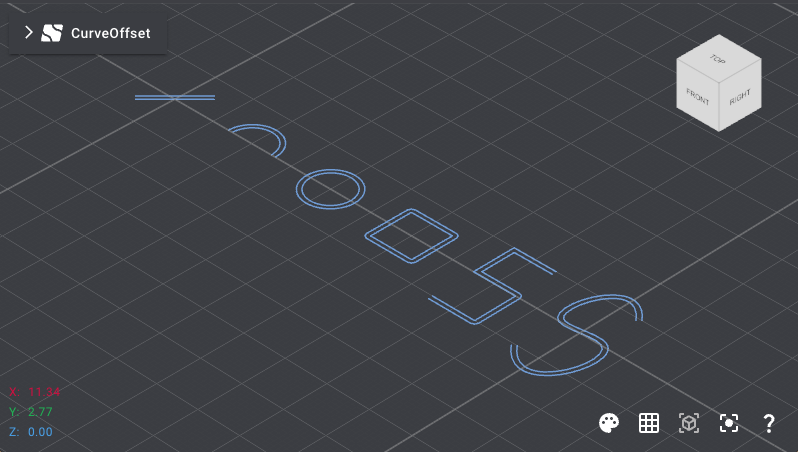
Curve Offset
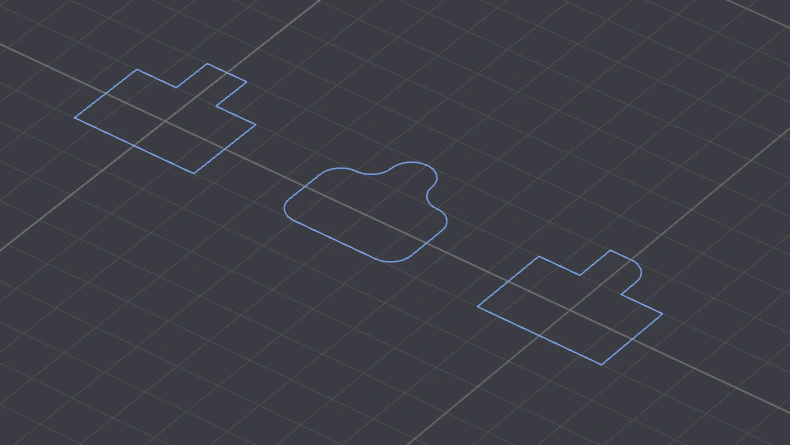
Curve Fillet
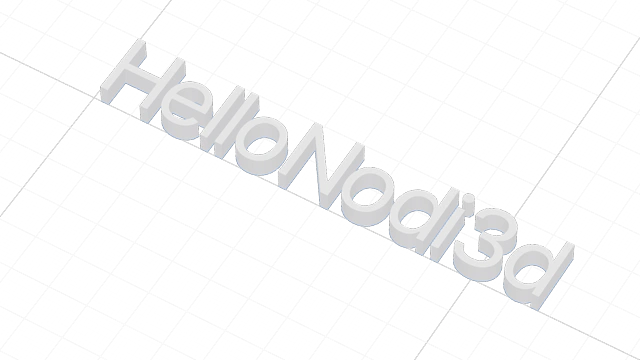
Font
Surface
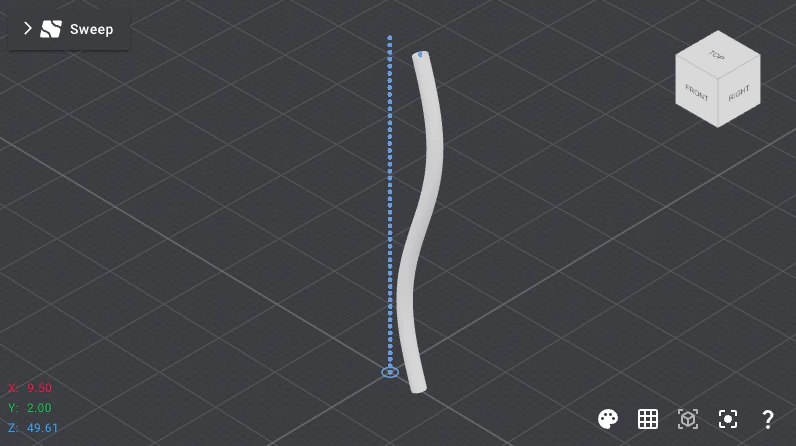
Sweep
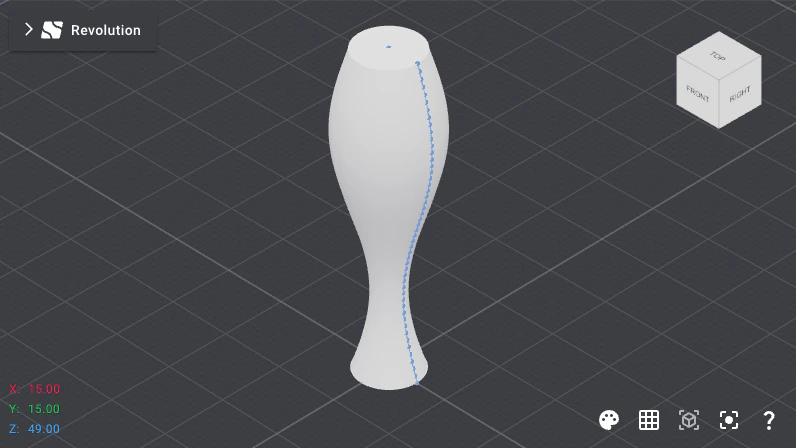
Revolution
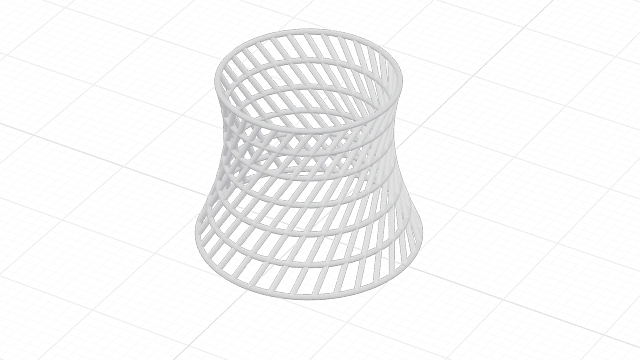
Hyperboloid
Boolean
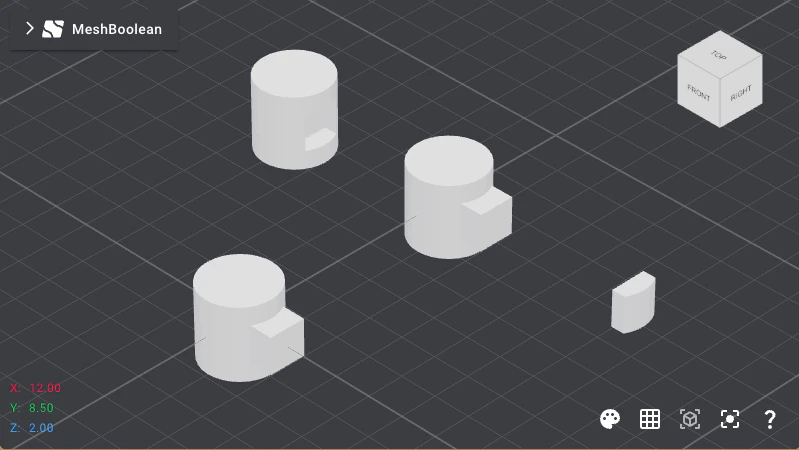
Mesh Boolean
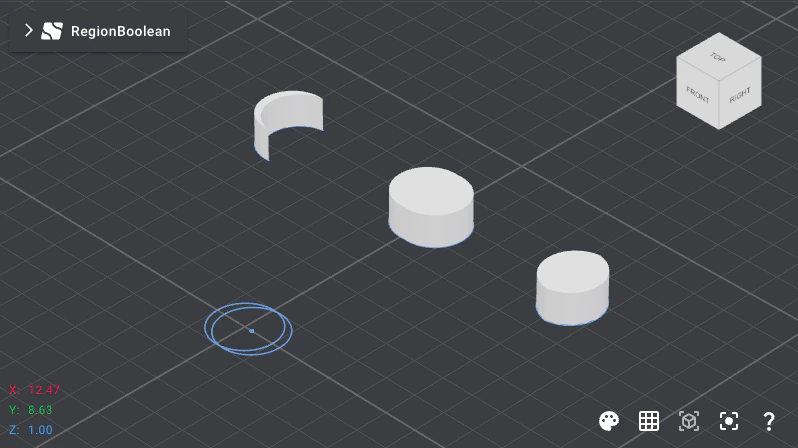
Region Boolean
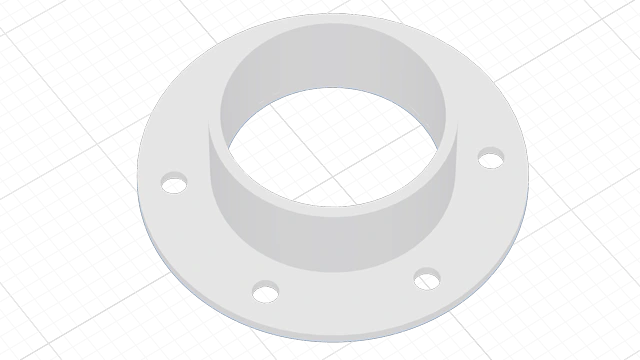
Flange
Implicit
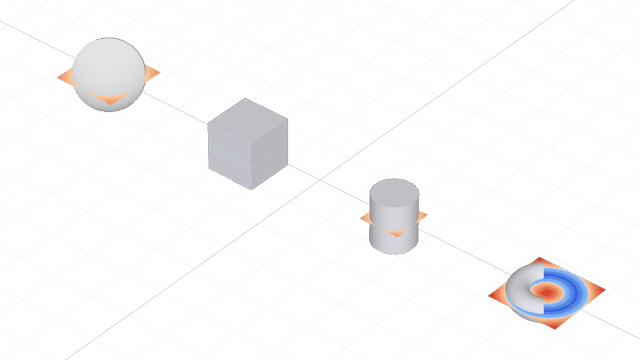
1. Primitives
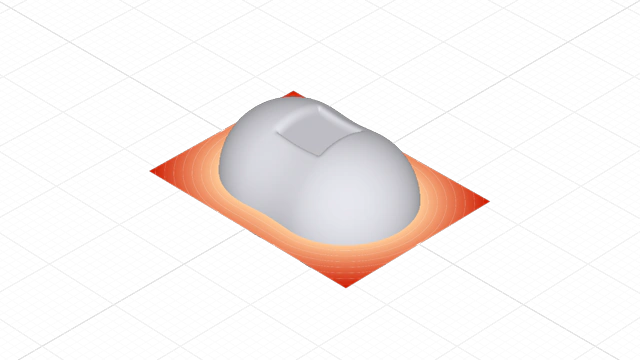
2. Boolean & Blend
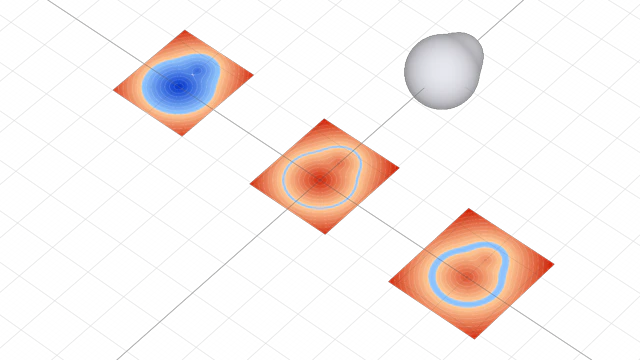
3. Shell
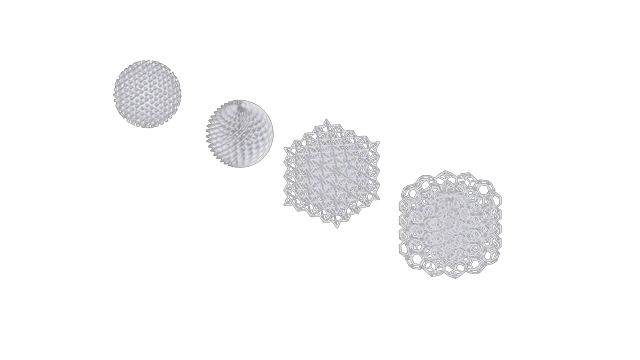
4. Lattice
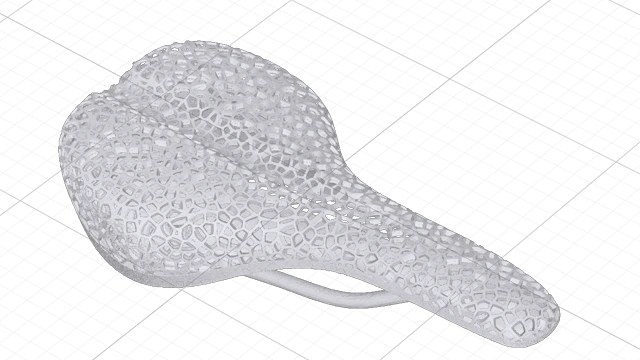
5. Conversion
Intermediate
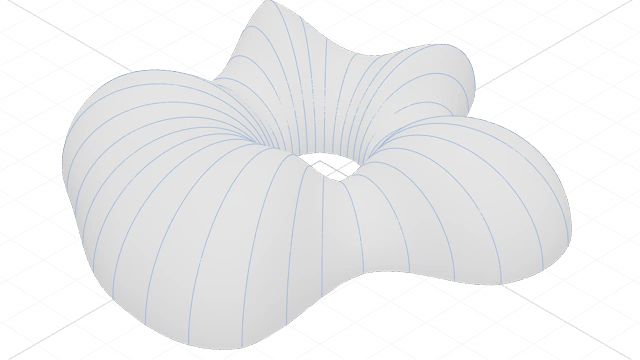
Circle Basic
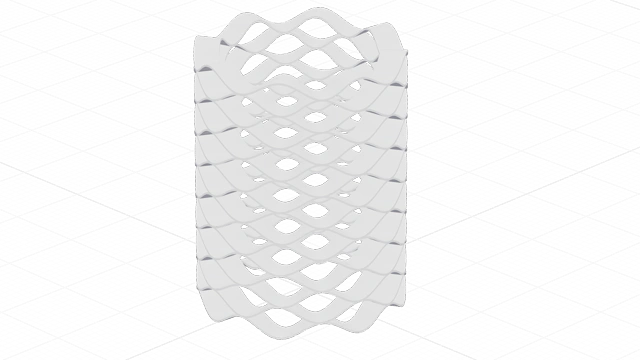
Wave Spring
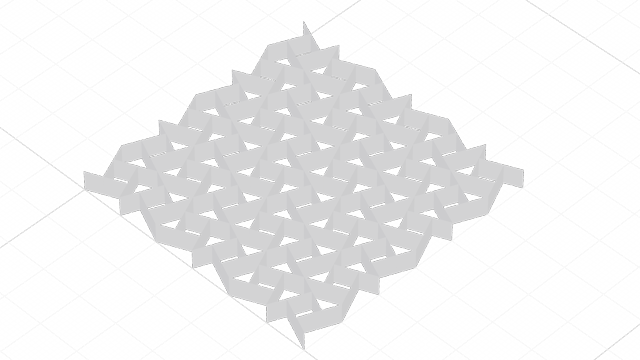
Tile Pattern
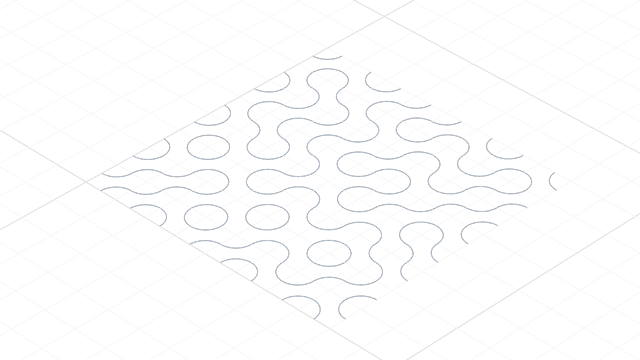
Truchet Tile
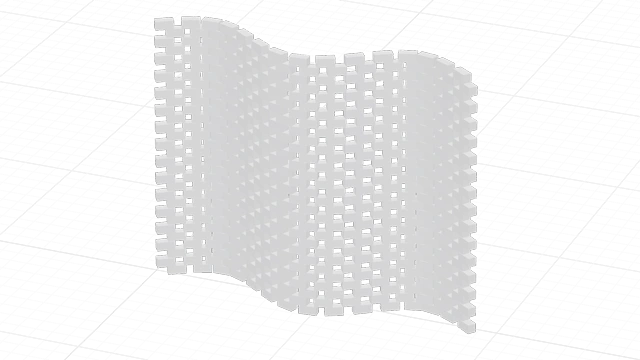
Brick Wall
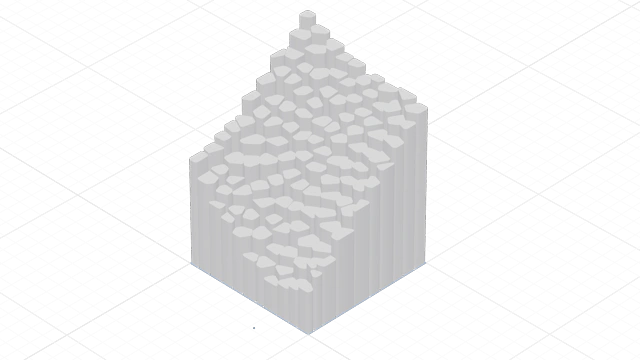
Voronoi Cells
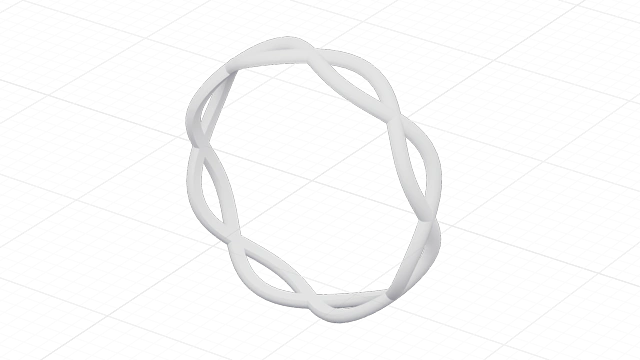
Braid
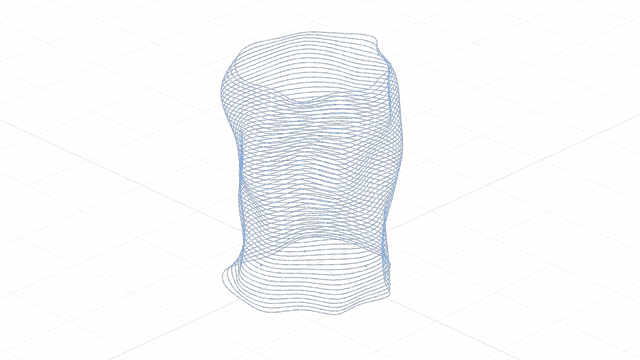
Vase
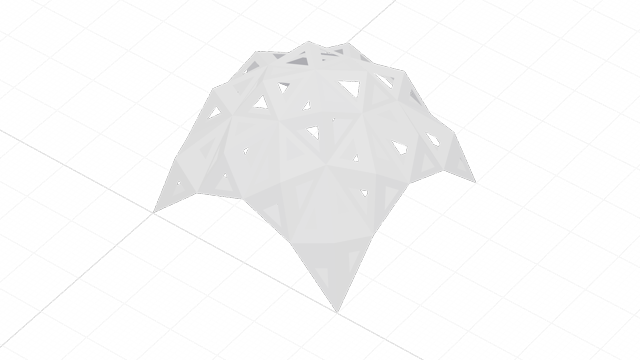
Shell
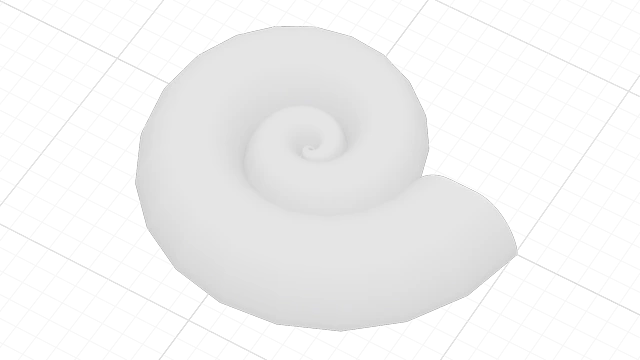
Fractal
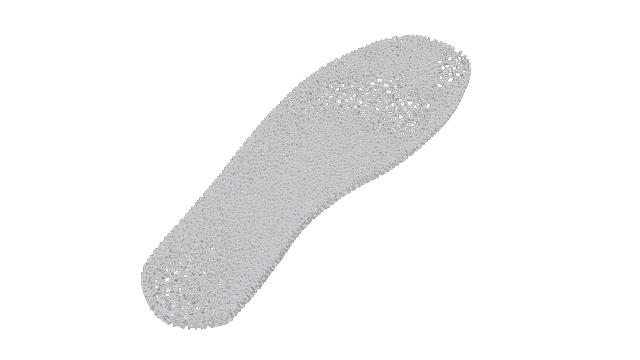
Insole Lattice
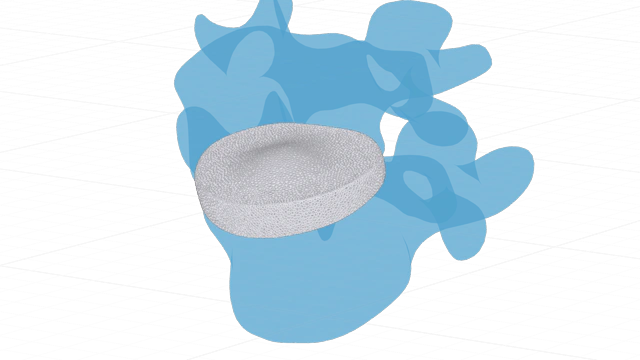
Implant Lattice
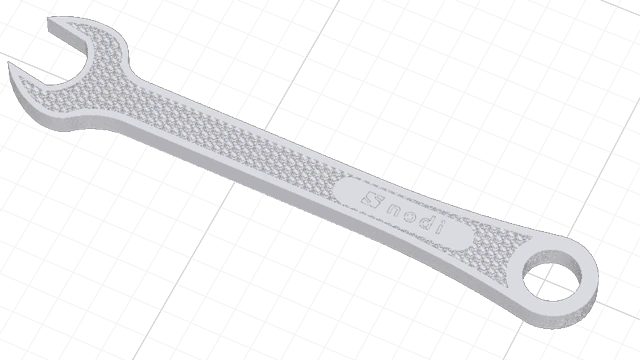
Wrench Infill
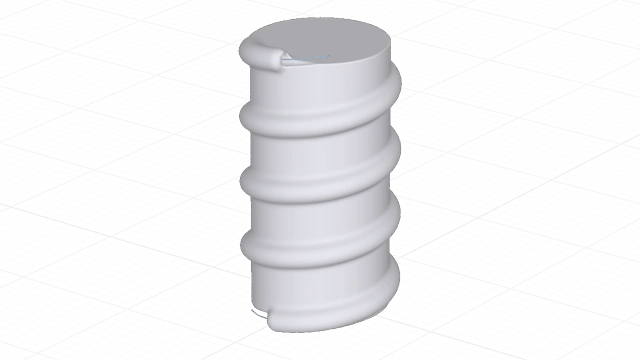
Tubular Helix
Advanced
CAM
G-Code
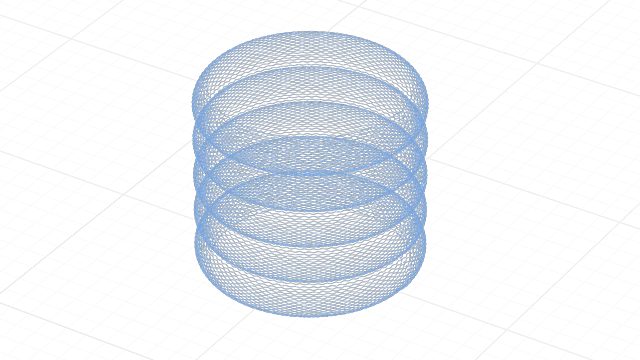
Mochi G-Code
Miscellaneous
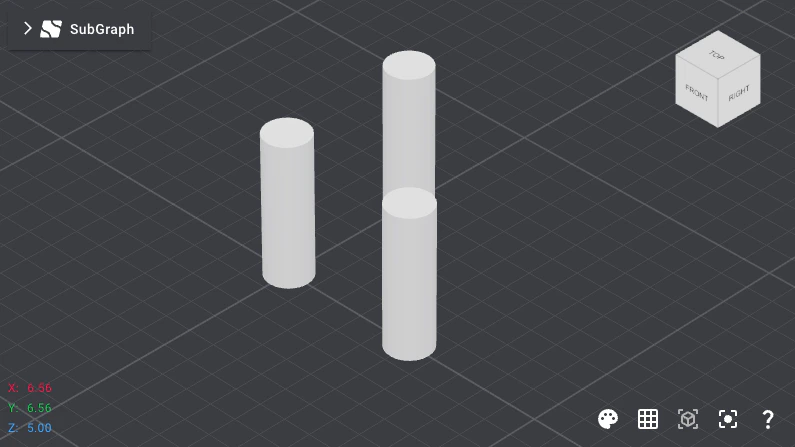
Sub Graph
Expression
Scripting with the Expression node.
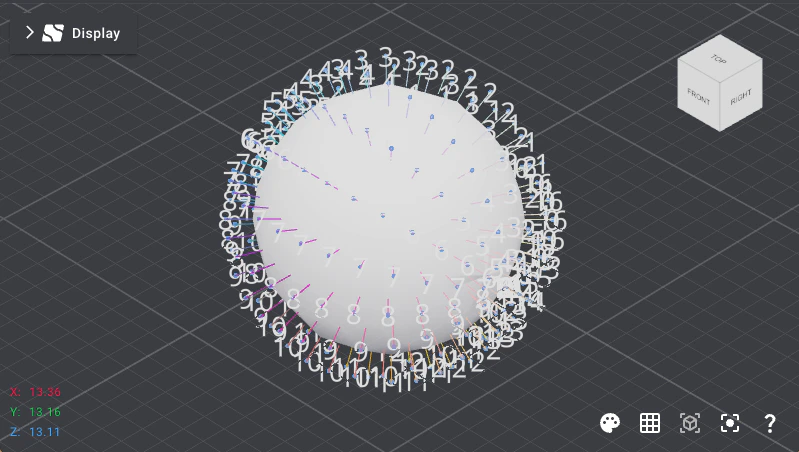
Display
Dimension
Dimension display nodes for annotating geometry.
Desktop
These examples require Nodi for desktop. See Simulation for how the analysis nodes are wired.Stress Analysis
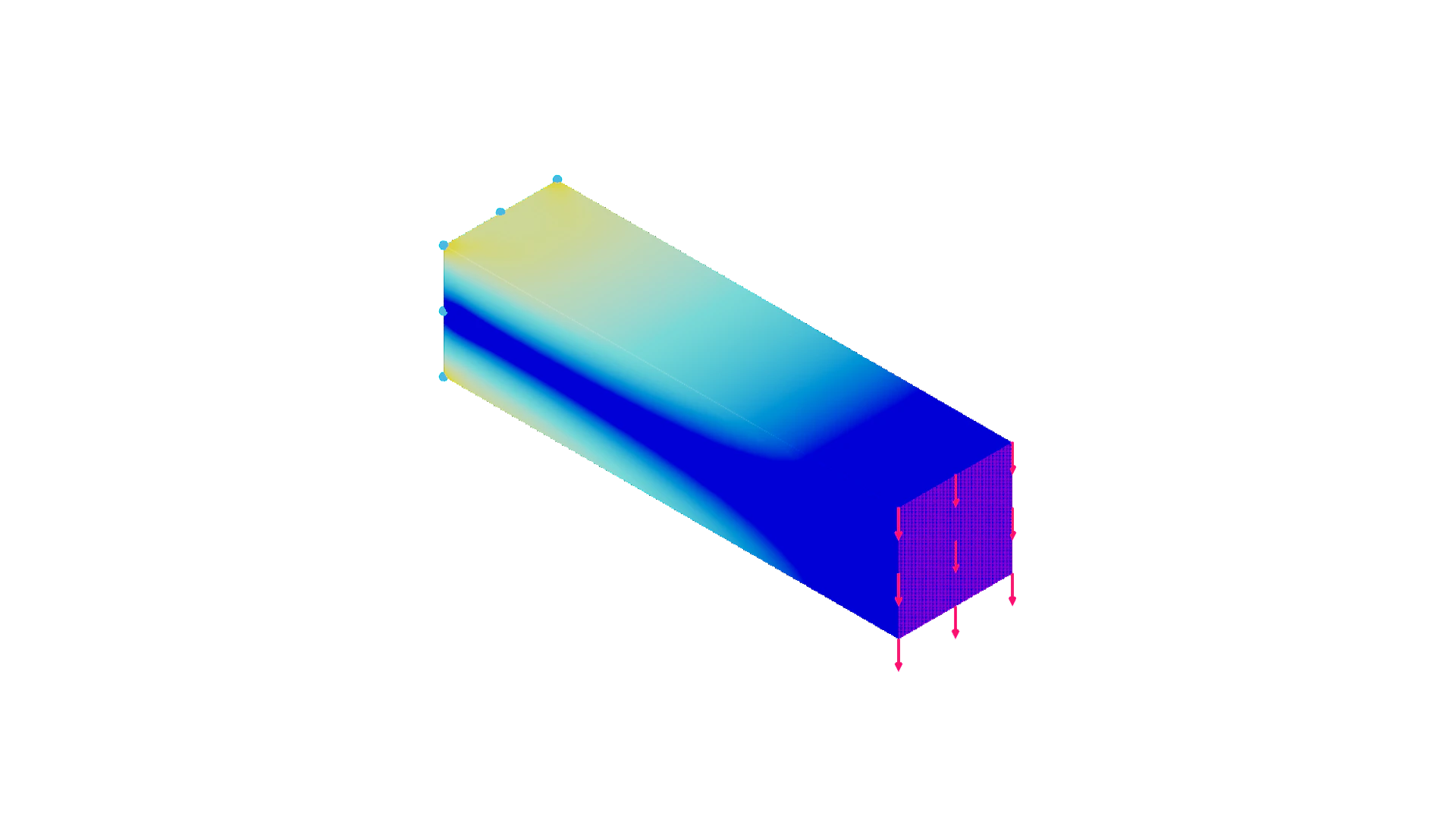
Cantilever
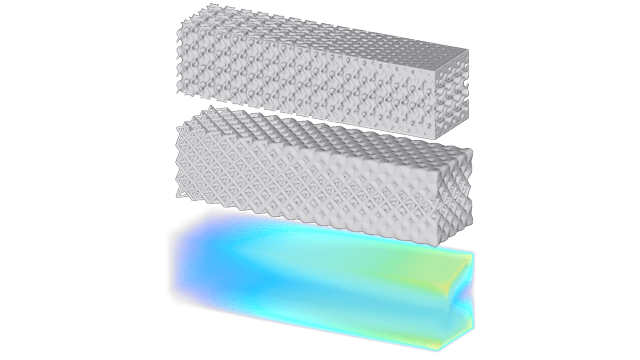
Lattice Optimization
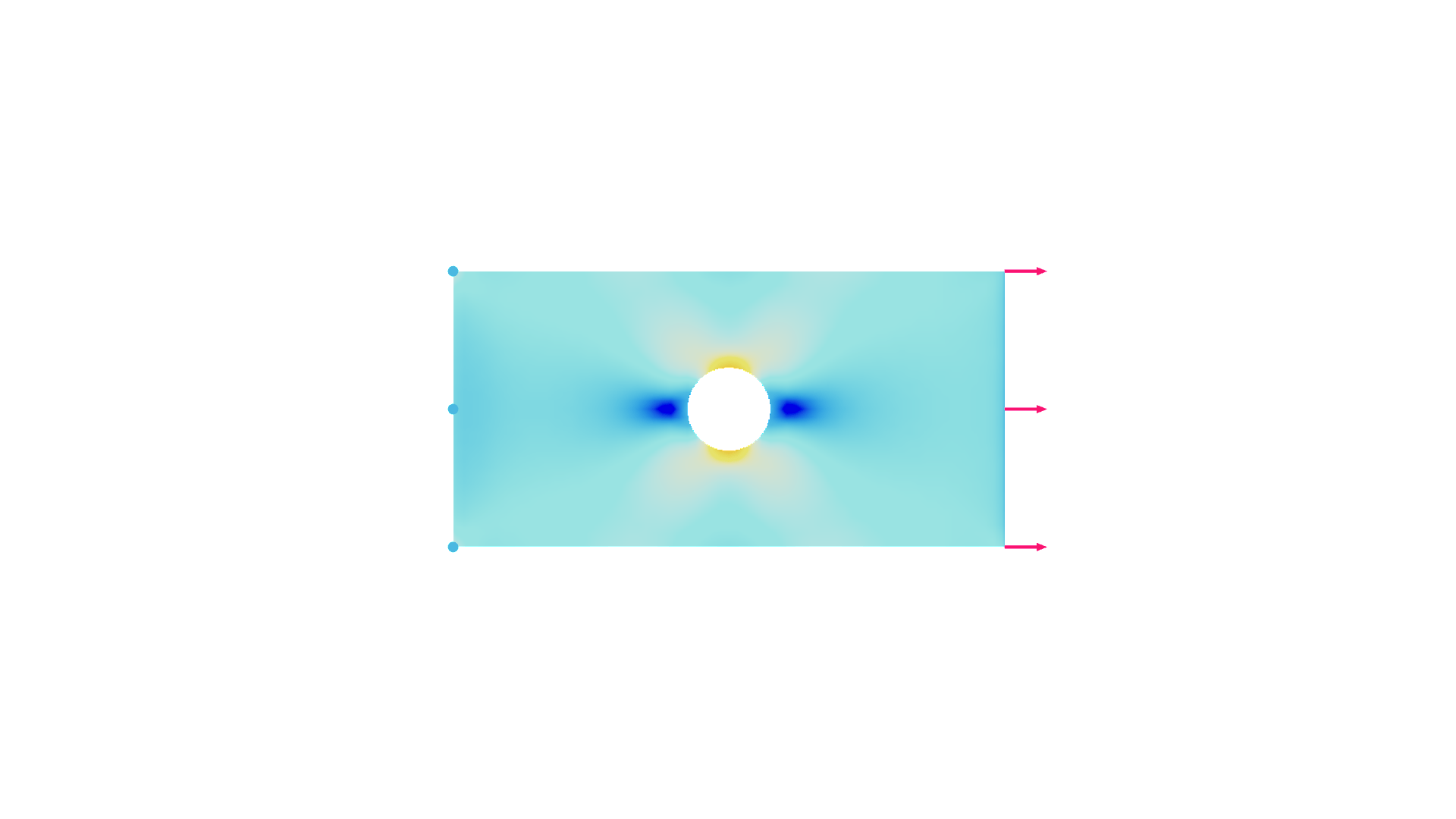
Open Hole Stress
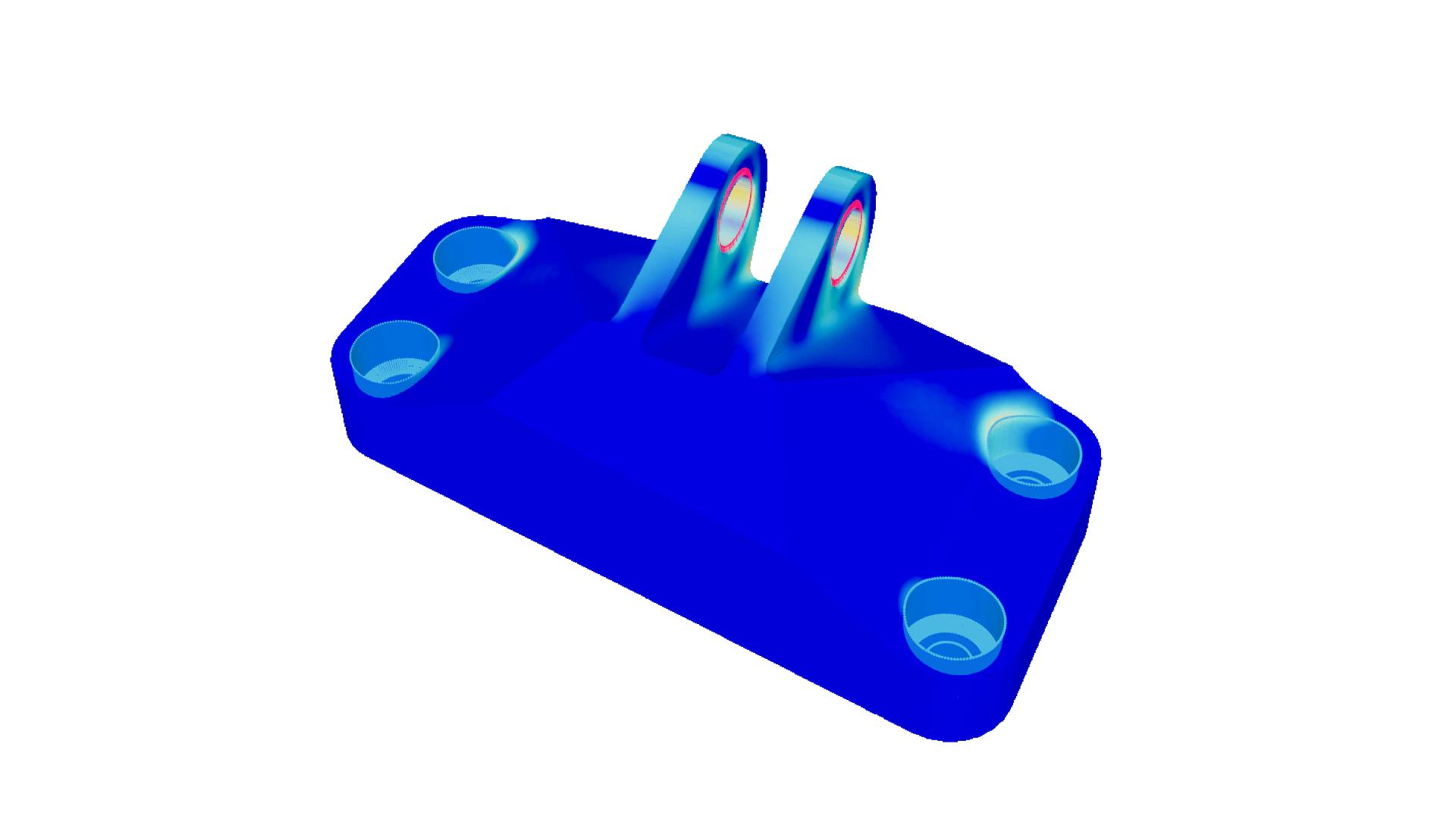
Bracket
Topology Optimization
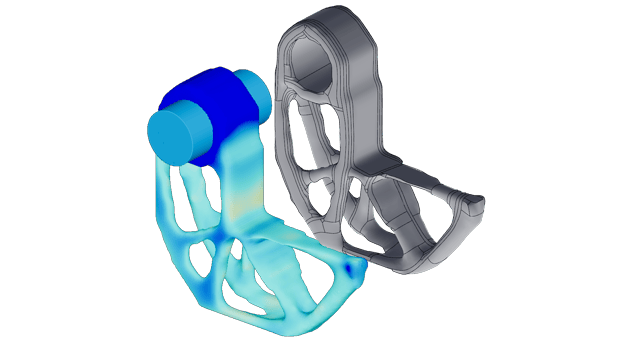
L-Bracket
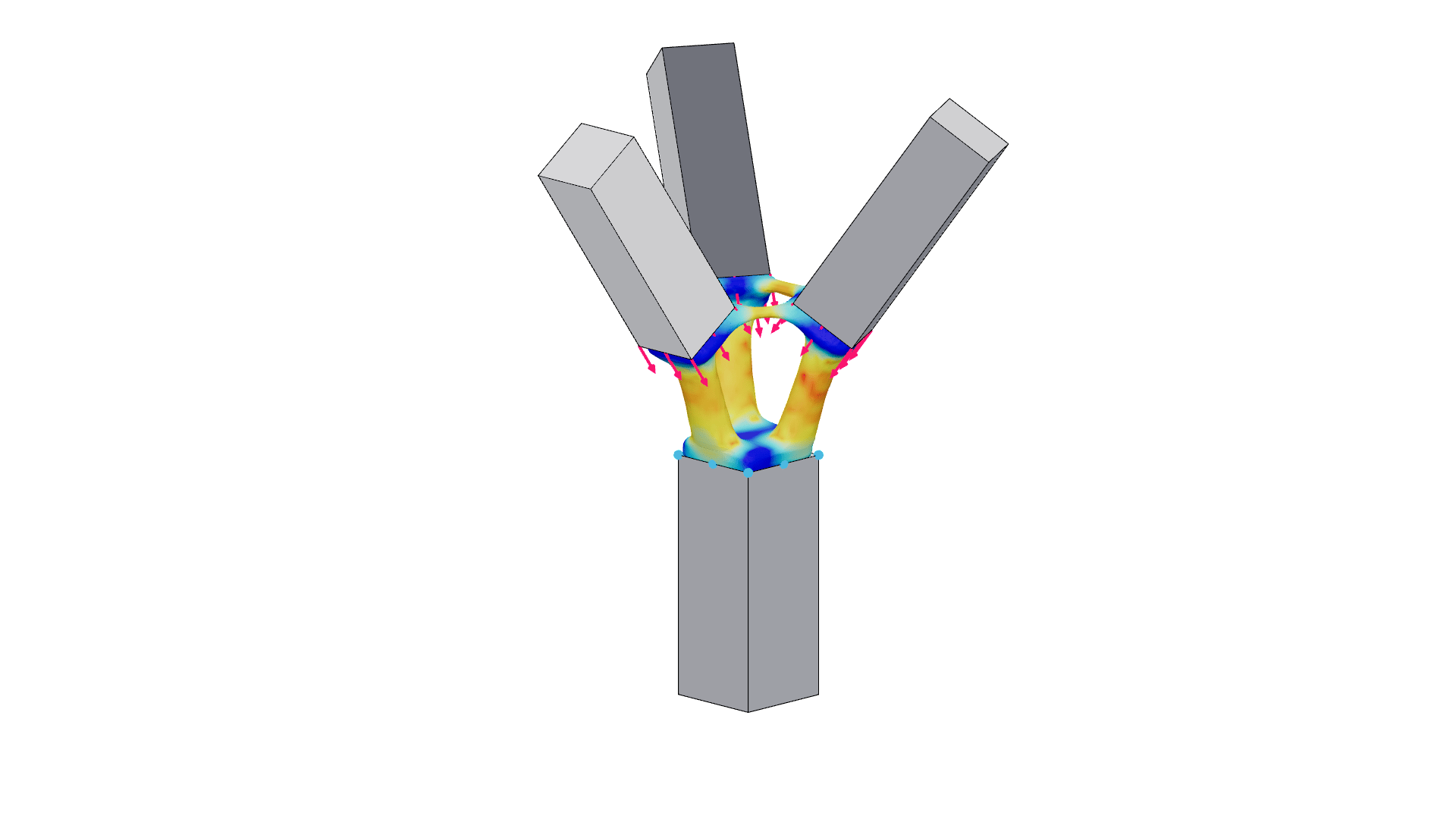
Timber Joint
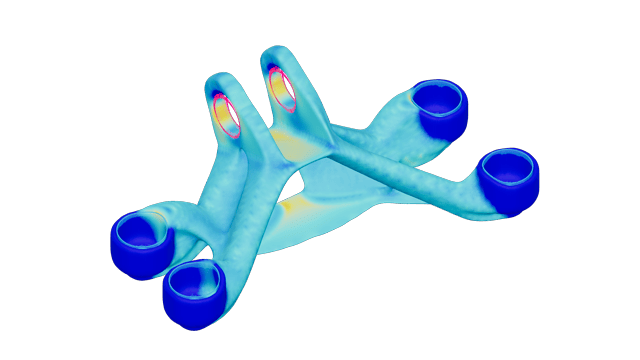
Bracket
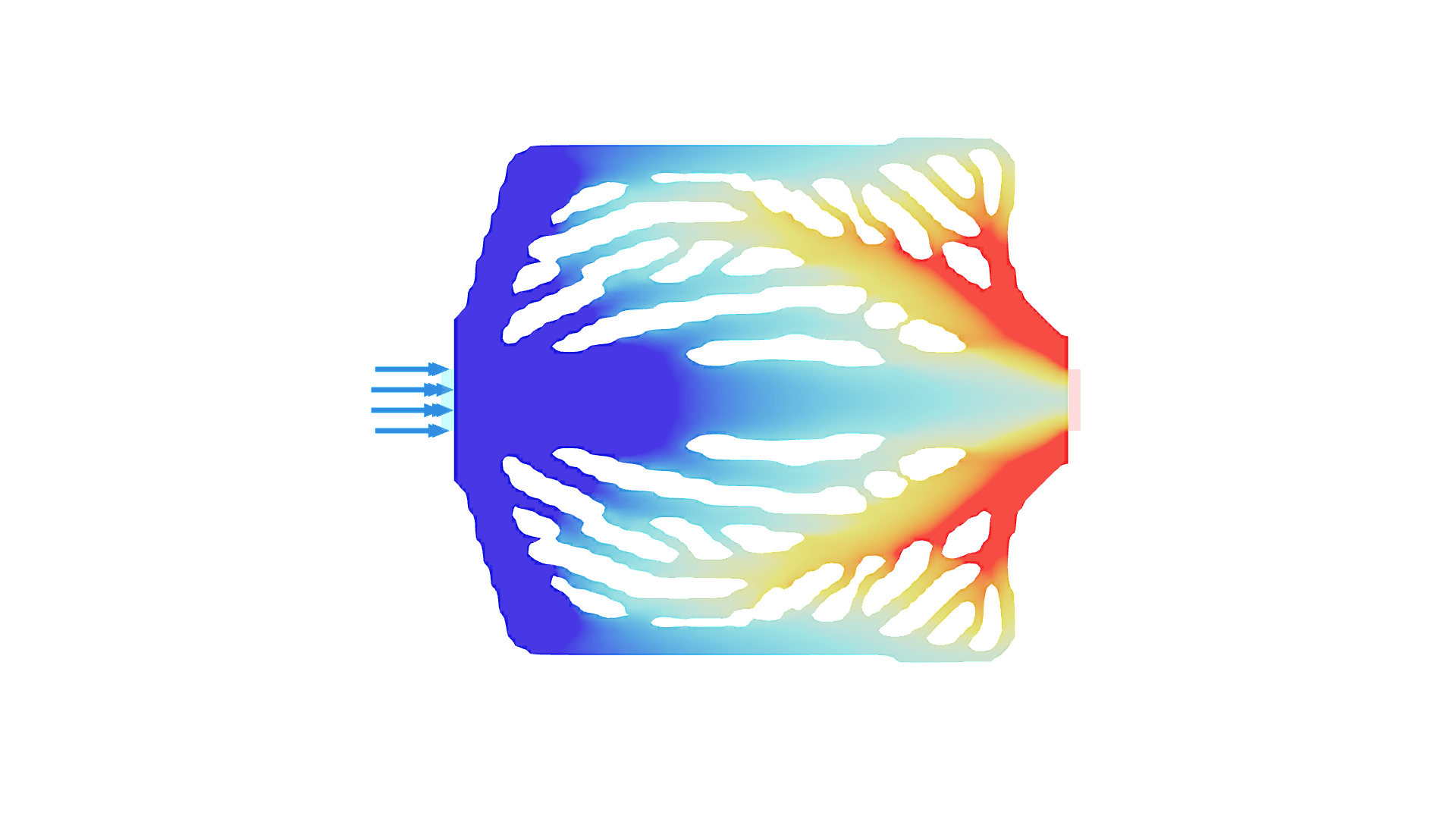
Plate Cooling Channels
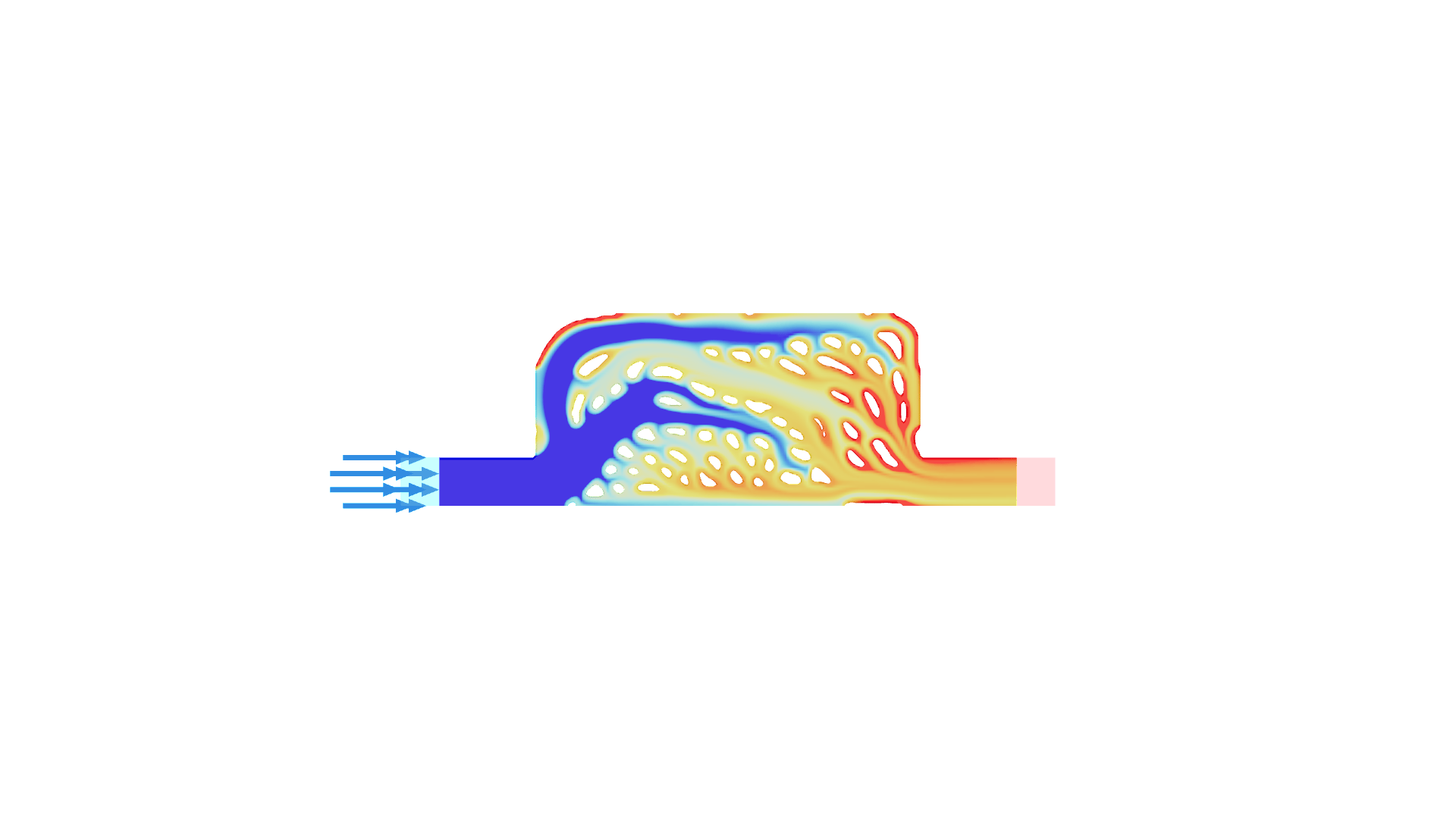
Chip Micro Channels
Thermal Analysis
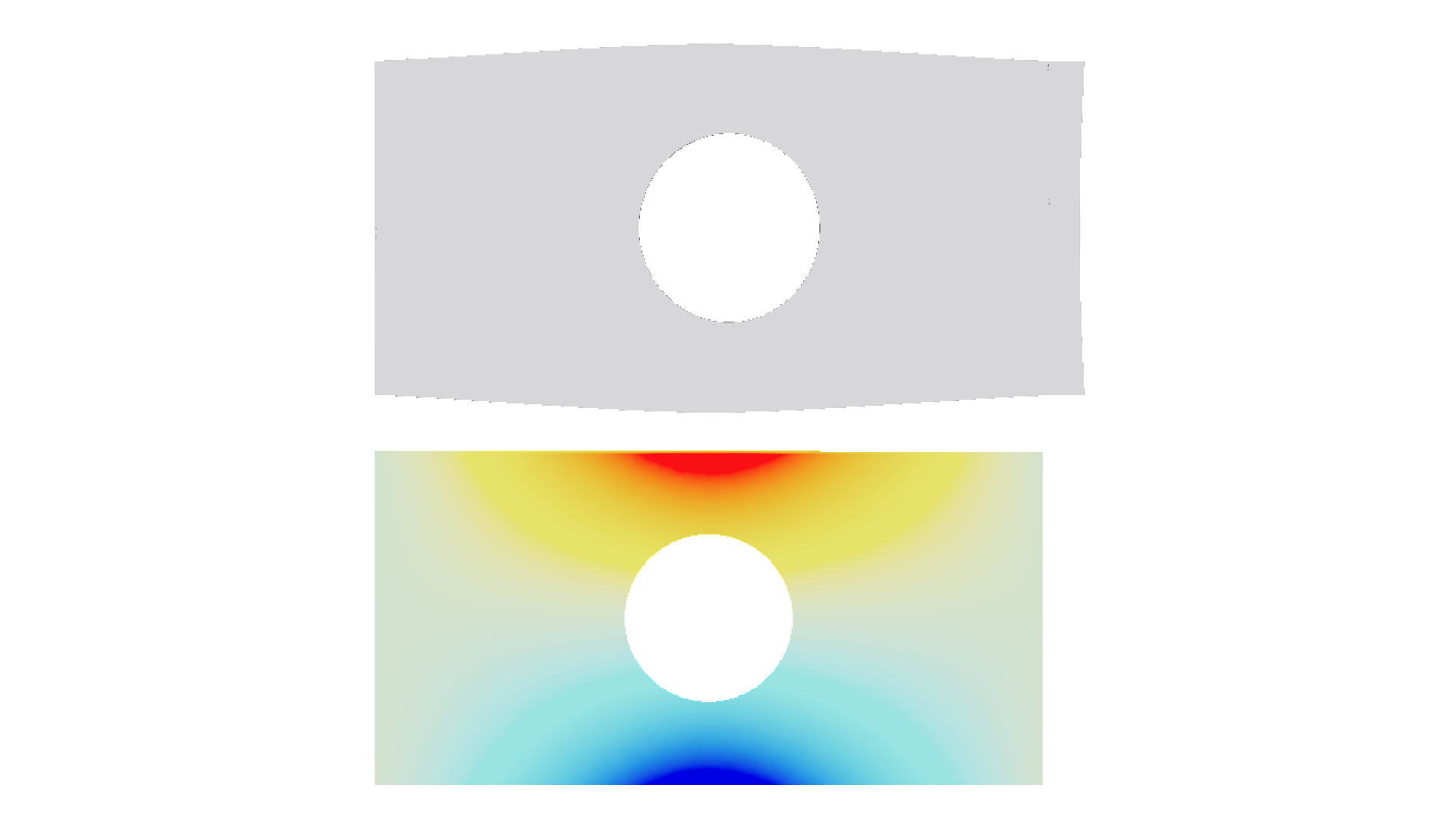
Open Hole Thermal Stress
Flow Analysis
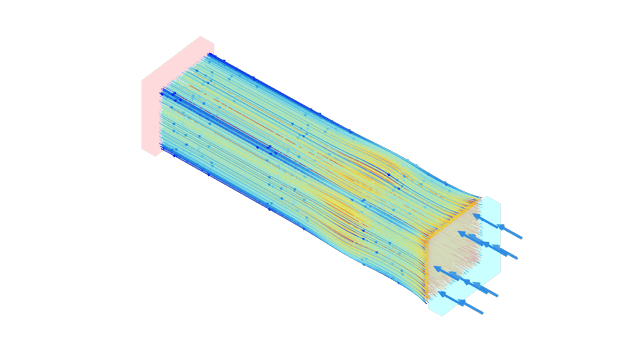
Channel Flow
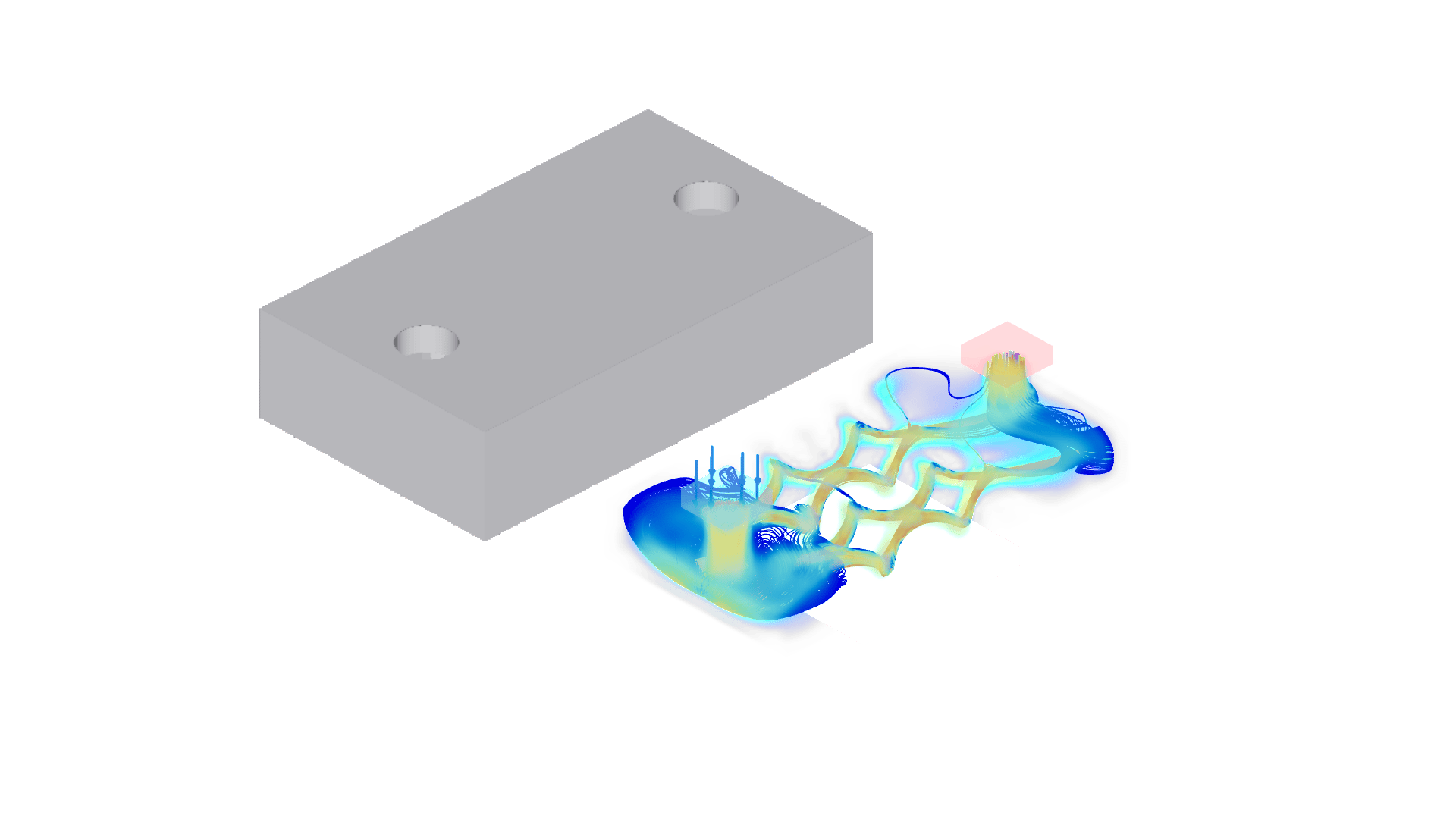
TPMS Cold Plate
Solid Modeling
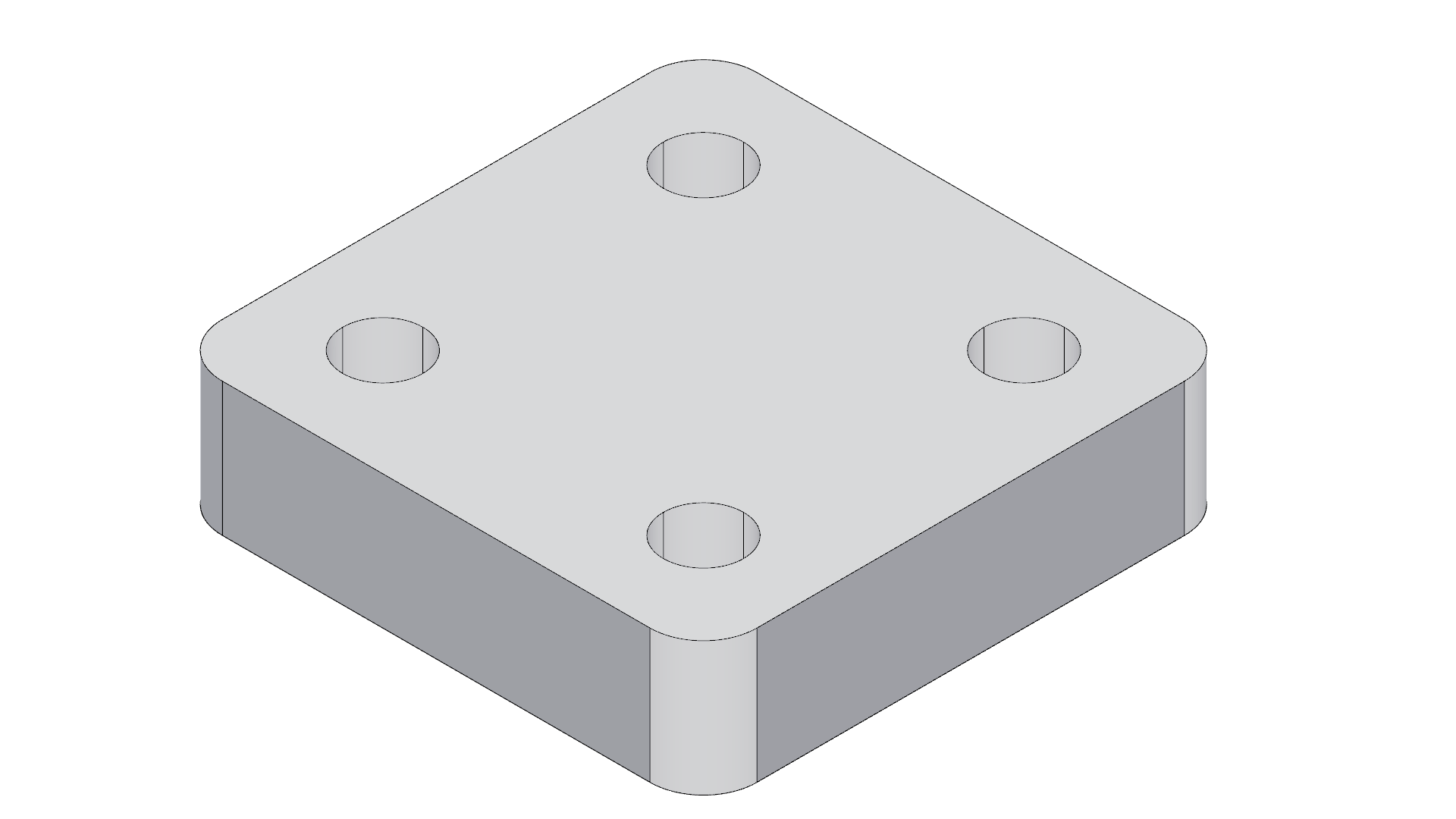
Mounting Plate
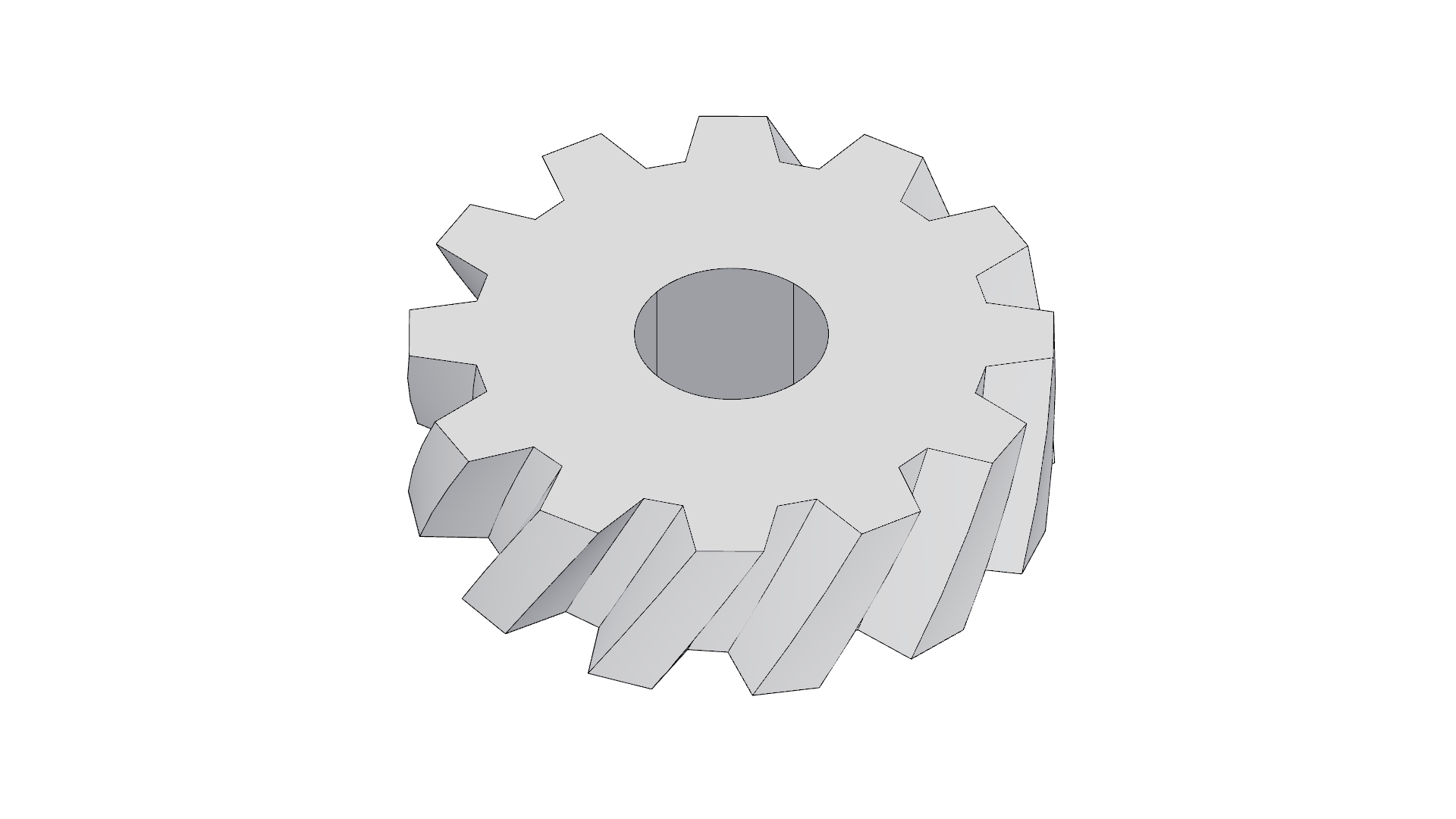
Helical Gear